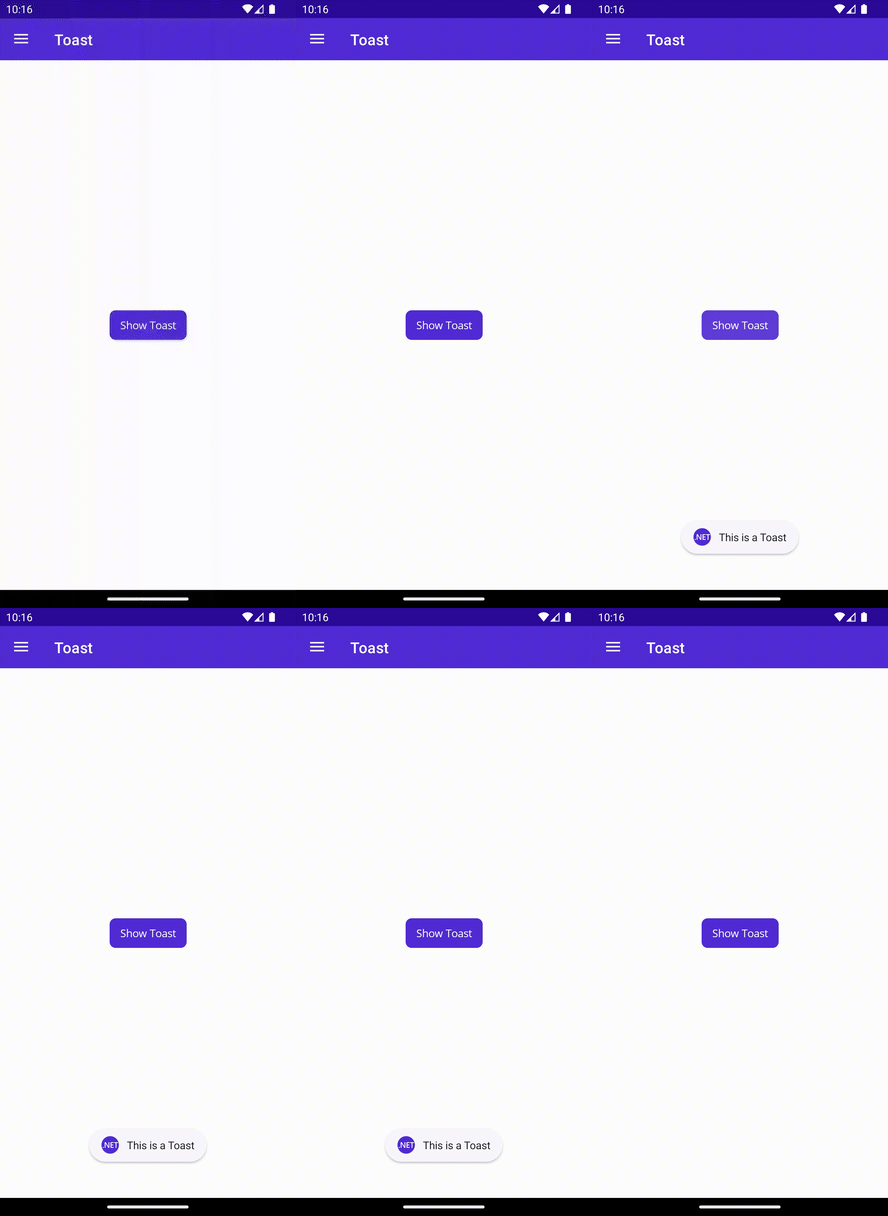
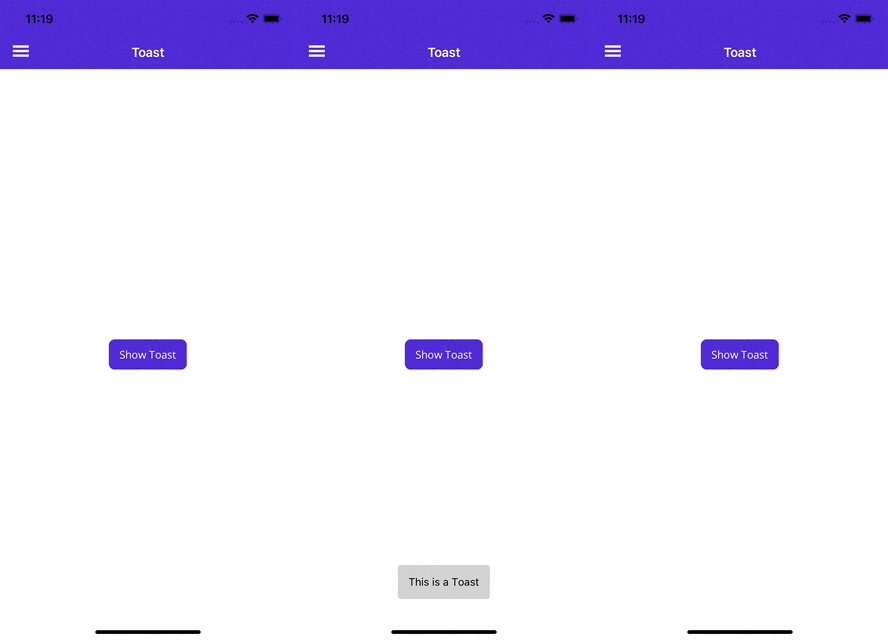
When using Snackbar it is essential to perform the following two steps:
1. Enable the snackbar usage with the MauiAppBuilder
When using the UseMauiCommunityToolkit make use of the options parameter to enable the snackbar usage on Windows as follows:
var builder = MauiApp.CreateBuilder()
  .UseMauiCommunityToolkit(options =>
  {
    options.SetShouldEnableSnackbarOnWindows(true);
  })
The above will automatically register the required handlers by configuring lifecycle events (OnLaunched and OnClosed).
2. Include ToastNotification registrations in your Package.appxmanifest file
To handle the snackbar actions you will need to modify the Platform\Windows\Package.appxmanifest file as follows:
- In Package.appxmanifest, in the opening
<Package> tag, add the following XML Namespaces:
xmlns:com="http://schemas.microsoft.com/appx/manifest/com/windows10"
xmlns:desktop="http://schemas.microsoft.com/appx/manifest/desktop/windows10"
- In Package.appxmanifest, also in the opening
<Package> tag, update IgnorableNamespaces to include uap rescap com and desktop:
IgnorableNamespaces="uap rescap com desktop"
Example: Completed <Package> Tag
Here is an example of a completed opening <Package> tag that has added support for Snackbar:
<Package
     xmlns="http://schemas.microsoft.com/appx/manifest/foundation/windows10"
     xmlns:uap="http://schemas.microsoft.com/appx/manifest/uap/windows10"
     xmlns:rescap="http://schemas.microsoft.com/appx/manifest/foundation/windows10/restrictedcapabilities"
     xmlns:com="http://schemas.microsoft.com/appx/manifest/com/windows10"
     xmlns:desktop="http://schemas.microsoft.com/appx/manifest/desktop/windows10"
     IgnorableNamespaces="uap rescap com desktop">
- In Package.appxmanifest, inside of each
<Application> tag, add the following extensions:
<Extensions>

   <!-- Specify which CLSID to activate when notification is clicked -->
   <desktop:Extension Category="windows.toastNotificationActivation">
       <desktop:ToastNotificationActivation ToastActivatorCLSID="6e919706-2634-4d97-a93c-2213b2acc334" />
   </desktop:Extension>

   <!-- Register COM CLSID -->
   <com:Extension Category="windows.comServer">
       <com:ComServer>
           <com:ExeServer Executable="YOUR-PATH-TO-EXECUTABLE" DisplayName="$targetnametoken$" Arguments="----AppNotificationActivated:"> <!-- Example path to executable: CommunityToolkit.Maui.Sample\CommunityToolkit.Maui.Sample.exe -->
               <com:Class Id="6e919706-2634-4d97-a93c-2213b2acc334" />
           </com:ExeServer>
       </com:ComServer>
   </com:Extension>

</Extensions>
Example: Completed <Applications> tag
Here is an example of a completed <Applications> tag that now has added support for Snackbar:
<Applications>
  <Application Id="App" Executable="$targetnametoken$.exe" EntryPoint="$targetentrypoint$">
      <uap:VisualElements
          DisplayName="$placeholder$"
          Description="$placeholder$"
          Square150x150Logo="$placeholder$.png"
          Square44x44Logo="$placeholder$.png"
          BackgroundColor="transparent">
           <uap:DefaultTile Square71x71Logo="$placeholder$.png" Wide310x150Logo="$placeholder$.png" Square310x310Logo="$placeholder$.png" />
           <uap:SplashScreen Image="$placeholder$.png" />
       </uap:VisualElements>
       <Extensions>

         <desktop:Extension Category="windows.toastNotificationActivation">
             <desktop:ToastNotificationActivation ToastActivatorCLSID="6e919706-2634-4d97-a93c-2213b2acc334" />
         </desktop:Extension>

         <com:Extension Category="windows.comServer">
             <com:ComServer>
                 <com:ExeServer Executable="YOUR-PATH-TO-EXECUTABLE" DisplayName="$targetnametoken$" Arguments="----AppNotificationActivated:"> <!-- Example path to executable: CommunityToolkit.Maui.Sample\CommunityToolkit.Maui.Sample.exe -->
                     <com:Class Id="6e919706-2634-4d97-a93c-2213b2acc334" />
                  </com:ExeServer>
              </com:ComServer>
          </com:Extension>

       </Extensions>
   </Application>
</Applications>
Example: Updated Package.appxmanifest File to Support Snackbar
Below is an example Package.appxmanifest file that has been updated to support Snackbar on Windows:
<?xml version="1.0" encoding="utf-8"?>
<Package
    xmlns="http://schemas.microsoft.com/appx/manifest/foundation/windows10"
    xmlns:uap="http://schemas.microsoft.com/appx/manifest/uap/windows10"
    xmlns:rescap="http://schemas.microsoft.com/appx/manifest/foundation/windows10/restrictedcapabilities"
    xmlns:com="http://schemas.microsoft.com/appx/manifest/com/windows10"
    xmlns:desktop="http://schemas.microsoft.com/appx/manifest/desktop/windows10"
    IgnorableNamespaces="uap rescap com desktop">

    <Identity Name="maui-package-name-placeholder" Publisher="CN=Microsoft" Version="0.0.0.0" />

    <Properties>
        <DisplayName>$placeholder$</DisplayName>
        <PublisherDisplayName>Microsoft</PublisherDisplayName>
        <Logo>$placeholder$.png</Logo>
    </Properties>

    <Dependencies>
        <TargetDeviceFamily Name="Windows.Universal" MinVersion="10.0.17763.0" MaxVersionTested="10.0.19041.0" />
        <TargetDeviceFamily Name="Windows.Desktop" MinVersion="10.0.17763.0" MaxVersionTested="10.0.19041.0" />
    </Dependencies>

    <Resources>
        <Resource Language="x-generate" />
    </Resources>

    <Applications>
        <Application Id="App" Executable="$targetnametoken$.exe" EntryPoint="$targetentrypoint$">
            <uap:VisualElements
                DisplayName="$placeholder$"
                Description="$placeholder$"
                Square150x150Logo="$placeholder$.png"
                Square44x44Logo="$placeholder$.png"
                BackgroundColor="transparent">
                <uap:DefaultTile Square71x71Logo="$placeholder$.png" Wide310x150Logo="$placeholder$.png" Square310x310Logo="$placeholder$.png" />
                <uap:SplashScreen Image="$placeholder$.png" />
            </uap:VisualElements>
            <Extensions>

               <desktop:Extension Category="windows.toastNotificationActivation">
                   <desktop:ToastNotificationActivation ToastActivatorCLSID="6e919706-2634-4d97-a93c-2213b2acc334" />
               </desktop:Extension>

               <com:Extension Category="windows.comServer">
                   <com:ComServer>
                       <com:ExeServer Executable="YOUR-PATH-TO-EXECUTABLE" DisplayName="$targetnametoken$" Arguments="----AppNotificationActivated:"> <!-- Example path to executable: CommunityToolkit.Maui.Sample\CommunityToolkit.Maui.Sample.exe -->
                           <com:Class Id="6e919706-2634-4d97-a93c-2213b2acc334" />
                        </com:ExeServer>
                    </com:ComServer>
                </com:Extension>

            </Extensions>
        </Application>
    </Applications>

    <Capabilities>
        <rescap:Capability Name="runFullTrust" />
    </Capabilities>

</Package>
For more information on handling activation: Send a local toast notification from C# apps